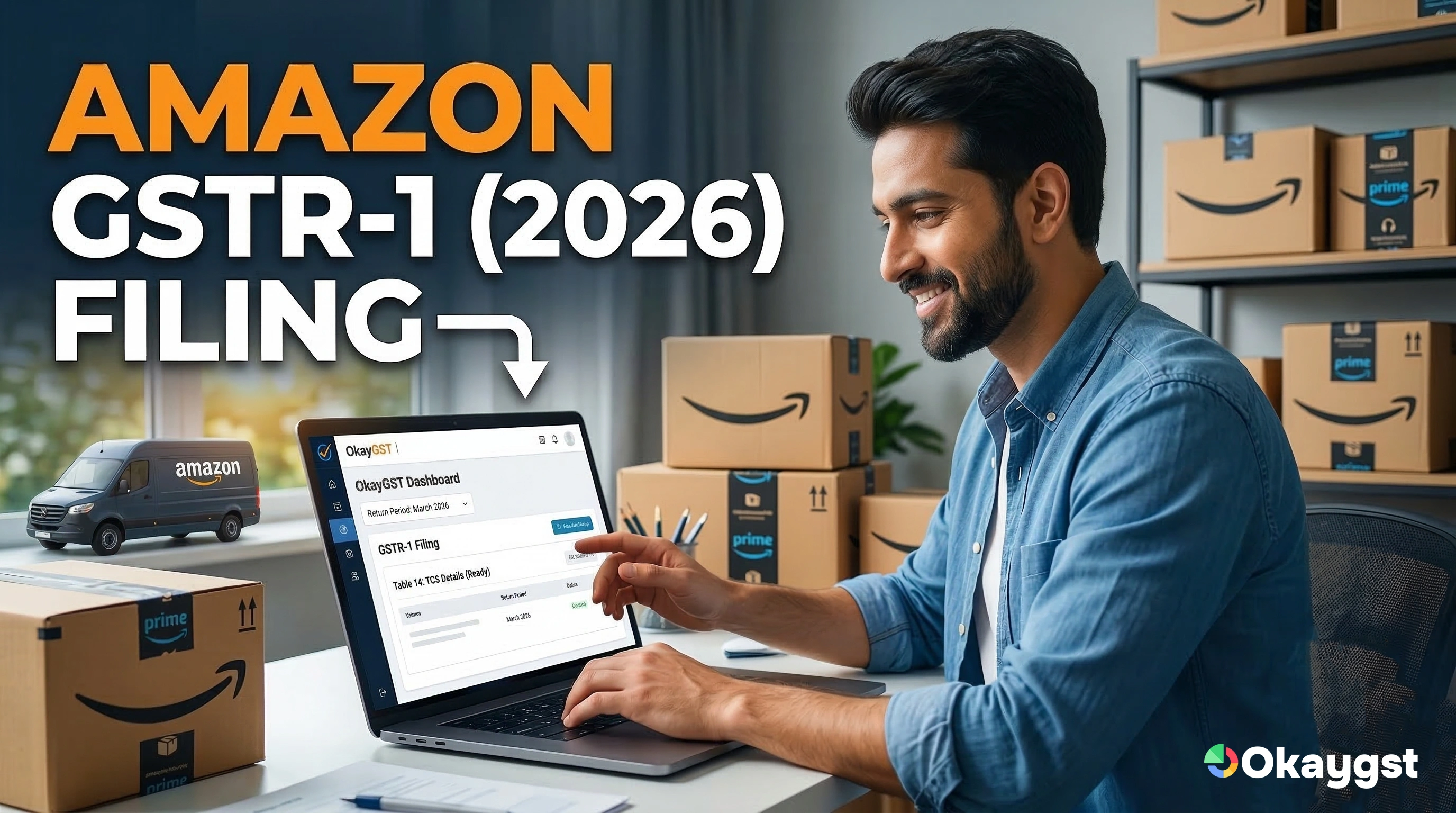
With over 1.1 million sellers already on the platform, learning how to become a seller on Amazon is the first step toward building a scalable digital business. Whether you are a local manufacturer or a home-based entrepreneur, Amazon India provides the logistics and customer trust needed to grow.

In this guide, we break down how to open Amazon seller account details and ensure you stay compliant with 2026 tax regulations.
Requirements: Before You Start
To register on Amazon as a seller in India, you must have your documentation ready. Amazon’s AI-verification system in 2026 is strict—any mismatch in names across these documents can lead to account suspension.
- PAN Card: Your personal PAN (for sole proprietors) or Business PAN.
- GST Number: Mandatory for selling taxable goods (see the section below on how to get GST number for Amazon seller).
- Active Bank Account: Used for your weekly payouts.
- Email & Mobile Number: For OTP verifications and buyer communication.
Step-by-Step: How to Open Amazon Seller Account
Follow these steps to ensure a smooth onboarding process:
- Visit Seller Central: Go to sellercentral.amazon.in and click "Start Selling."
- Enter Business Details: Provide your legal business name as per your GST certificate.
- Phone Verification: Complete the SMS/Voice call verification.
- Tax Details: This is where you enter your GSTIN and PAN. (If you are stuck here, OkayGST can help you register in 3 days).
- Seller Interview/Quiz: Amazon may ask a few basic questions about your product category to tailor your dashboard.
- Shipping Method: Choose between FBA (Amazon ships), Easy Ship (Amazon picks up), or Self Ship.
How to Get GST Number for Amazon Seller
One of the most common questions is how to become seller on Amazon if you don't already have a tax registration.
Under 2026 regulations, even small sellers must have a GSTIN to sell interstate. To get your GST number:
- Visit the government GST portal or use a professional service like OkayGST.
- You will need address proof (Electricity bill/Rent agreement) and your PAN.
- Once issued, your 15-digit GSTIN is entered into Amazon Seller Central to unlock your "Active" status.
Need Help? How to Contact Amazon Seller Support Directly
New sellers often run into "Verification Pending" loops. Knowing how to contact Amazon seller support directly can save you weeks of waiting.
- Login to Seller Central: Go to the 'Help' section in the top right corner.
- Case Log: Click on "Contact Us" and select your specific issue (e.g., "Account Verification").
- Phone Support: Professional account holders can select the "Call Me Now" option to speak with an agent in English, Hindi, or several regional languages.
- Email: For non-urgent documentation issues, you can raise a ticket via the email support tab.
Summary of Keywords for Your Strategy
If you are building a page on your site, ensure these headings are used to capture search traffic:
- How to become a seller on Amazon: Use this for your main introduction.
- How to register on Amazon as a seller in India: Use this for the documentation checklist.
- How to get GST number for Amazon seller: Link this section directly to your OkayGST service page.
Understanding how to become seller on Amazon is only half the battle; staying profitable requires managing your GST filings and TCS credits accurately.
Ready to start? Let OkayGST handle your GST registration and monthly Amazon reconciliation so you can focus on your sales!